.png)
Where Can I Find My Company ID?
Your Company ID is a unique identifier that appears directly in your web browser's address bar as soon as you log into the Verified platform. No digging through complex settings menus required!
Step-by-Step Guide
Log into your account at app.verified.eu.
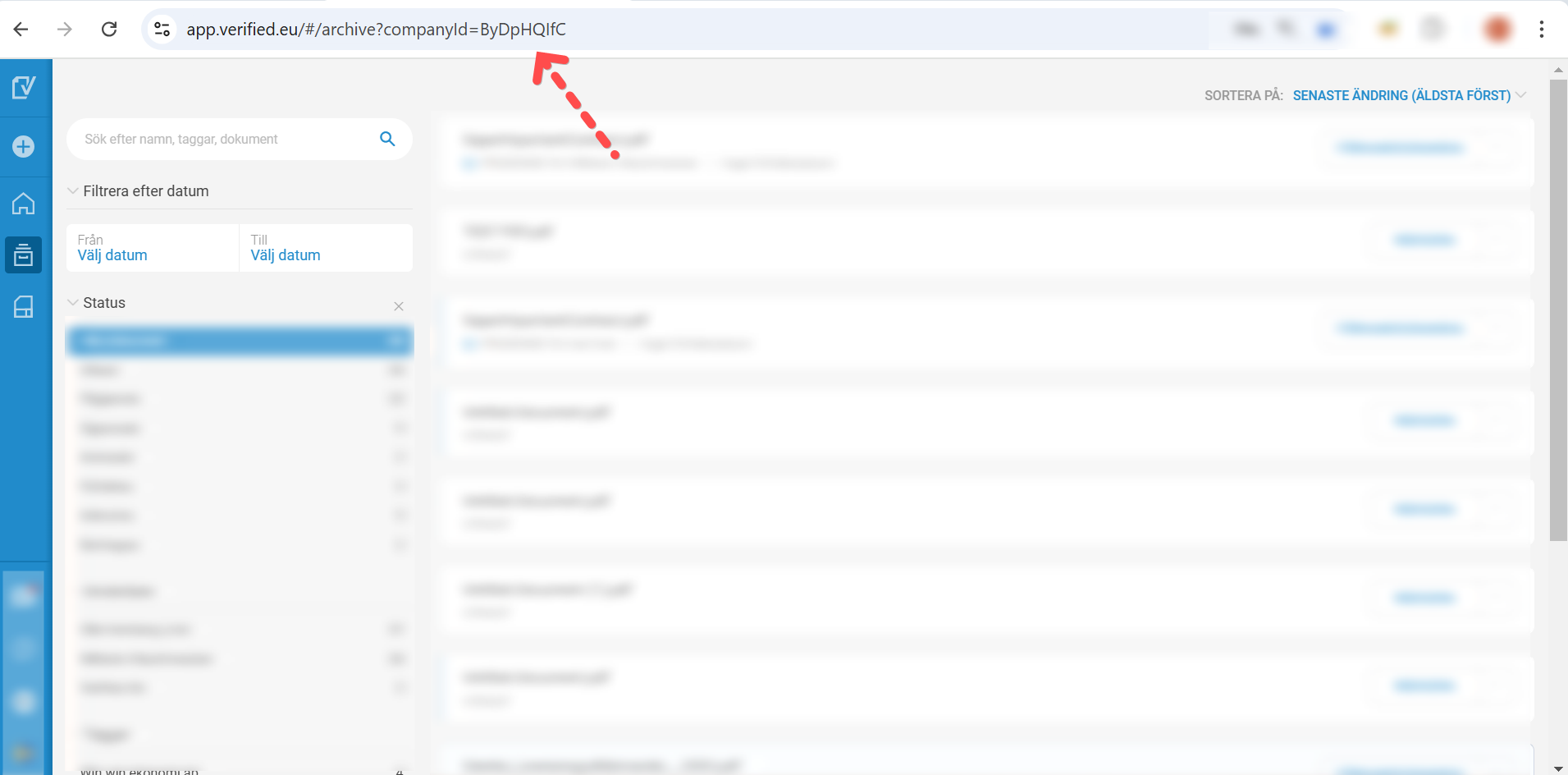
Look at the address bar at the very top of your browser window (where the website link is displayed).
Find the text
companyId=near the end of the URL.Your unique Company ID consists of the string of characters immediately following the equals sign (
=).
Visual Example
What to look for in your address bar:
https://app.verified.eu/#/dashboard?companyId=ByDpHQIfCIn this case, the Company ID is
ByDpHQIfC.
💡 When will I need this?
Our support team might ask for your Company ID to locate your account quickly and securely when you submit a help request. It ensures we are looking at the right platform workspace instantly.