.png)
How to edit SSN, phone number and email for an ongoing envelope?
Updated
In the Verified dashboard click on the envelope to expand. Then click on the pen symbol for that person.
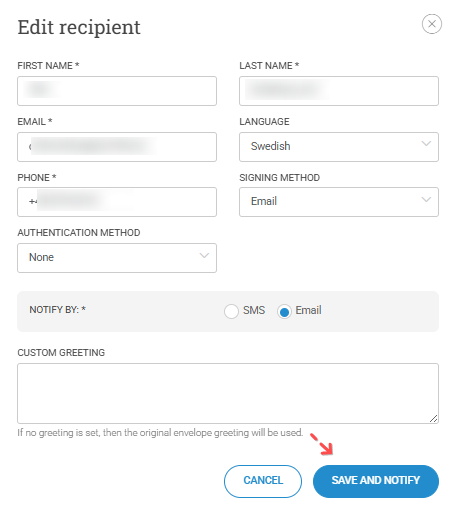
When editing the recipient, we recommend that you mention in the greeting message how they will need to use the new invitation (because the old one they have received would be using the old SSN / phone number).