.png)
How do I create a new customer project?
Updated
The purpose of this article is to show how to set up a new customer project.
A customer project can be either a Juridical person or a Natural person.
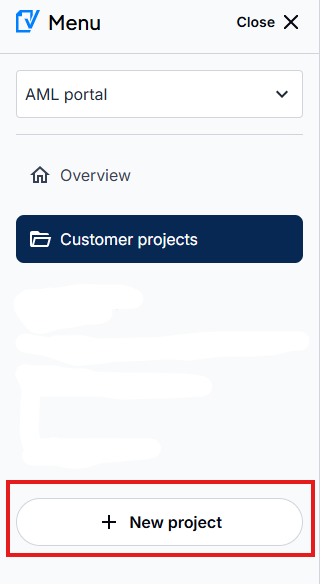
Log in to your AML portal and click on New Customer Project.
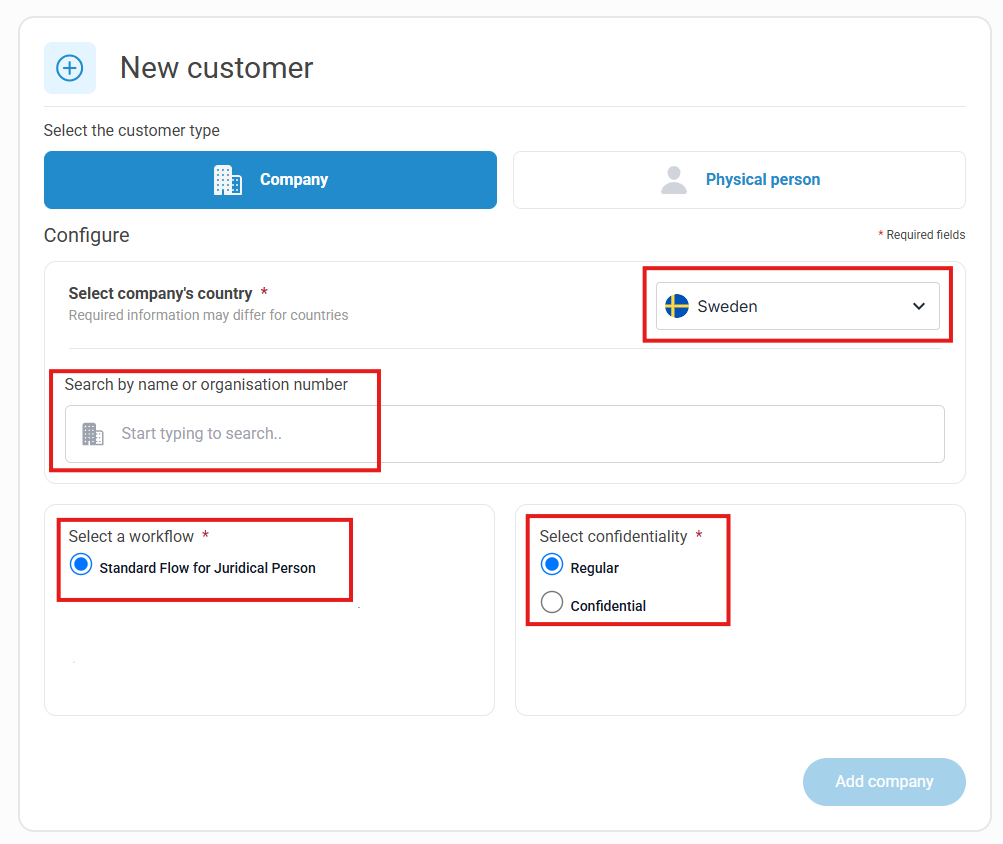
Juridical person
For Juridical persons please follow this guide:
- Select the correct country
- Search by name or organisation number and select from the drop down list
- Choose workflow (if several are available)
- Choose confidentality
- Click on Add company
Please note: Verified retrieves company information for Sweden, Norway, Finland and Denmark. For customers outside these countries, you cannot search in the drop down list but you need to manually fill in the information.
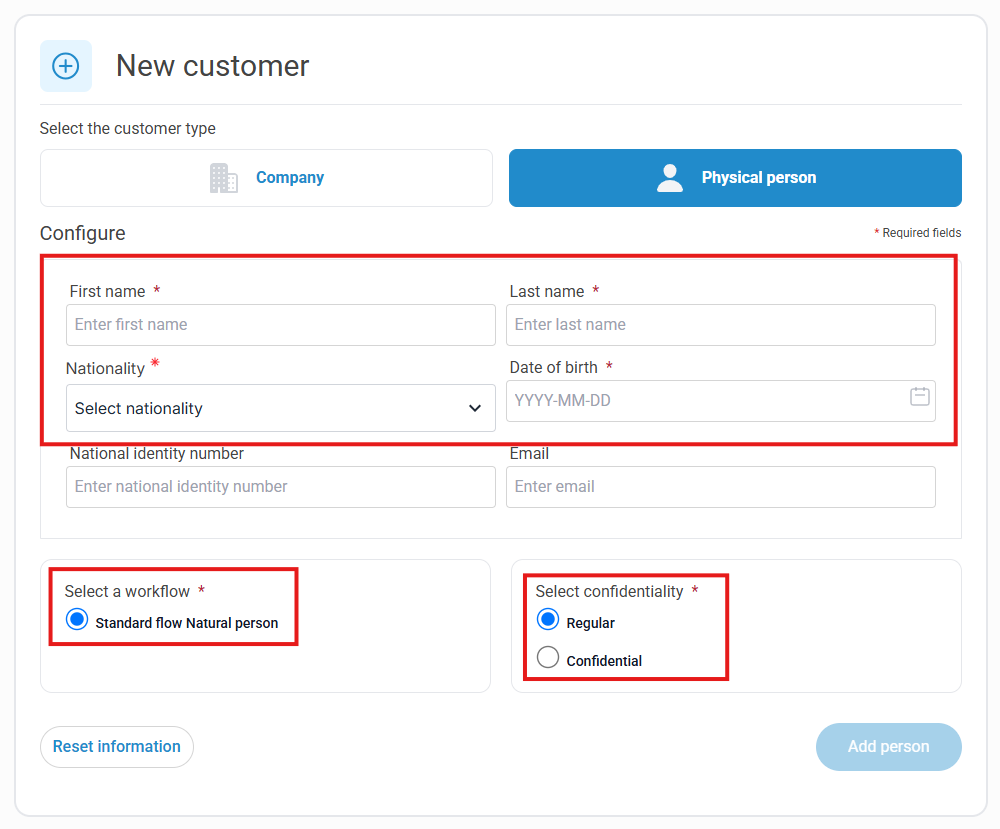
Natural person
For Natural persons please follow this guide:
- Fill in the mandatory information
- Choose workflow (if several are available)
- Choose confidentality
- Click on Add person