.png)
Customer card in the AML Portal
The purpose of this article is to make it easier for you to navigate the customer card and understand the different tabs.
Overview
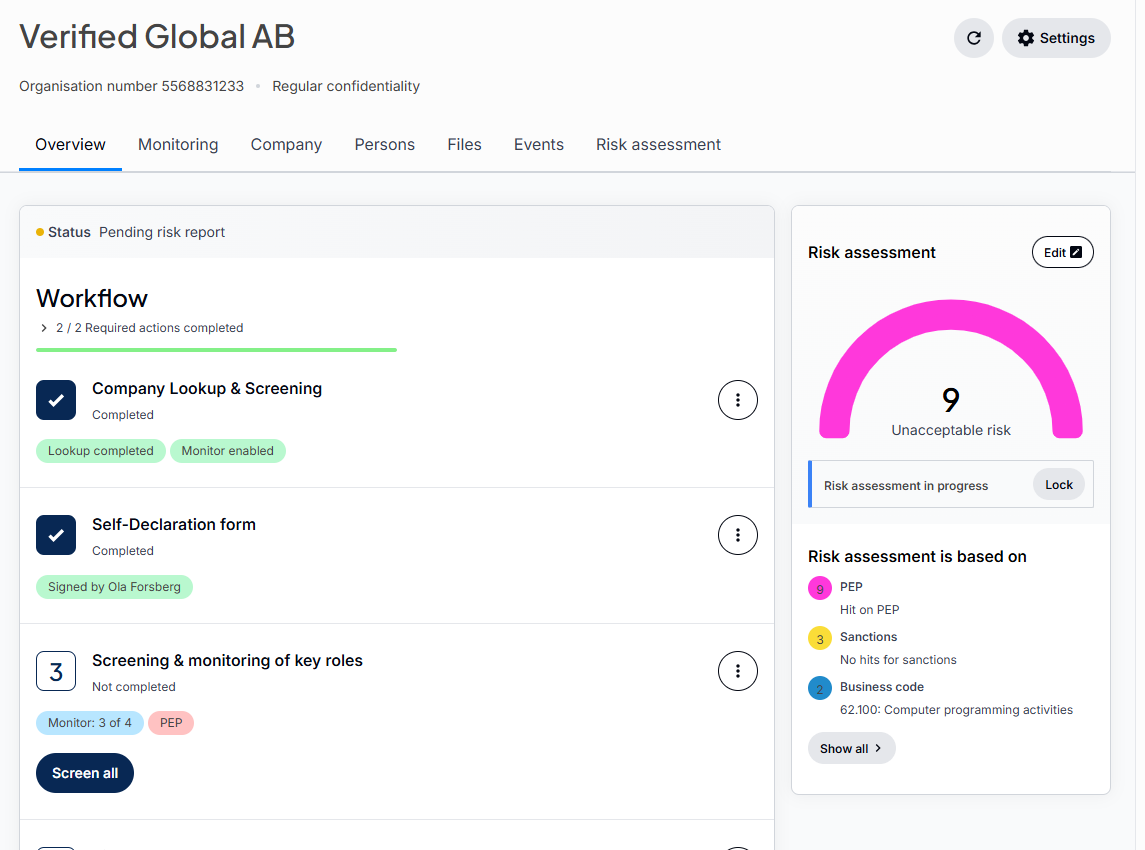
In the overview you will see the different steps of the KYC process.
Monitoring
The Monitoring tab displays all Company information changes that has occured.

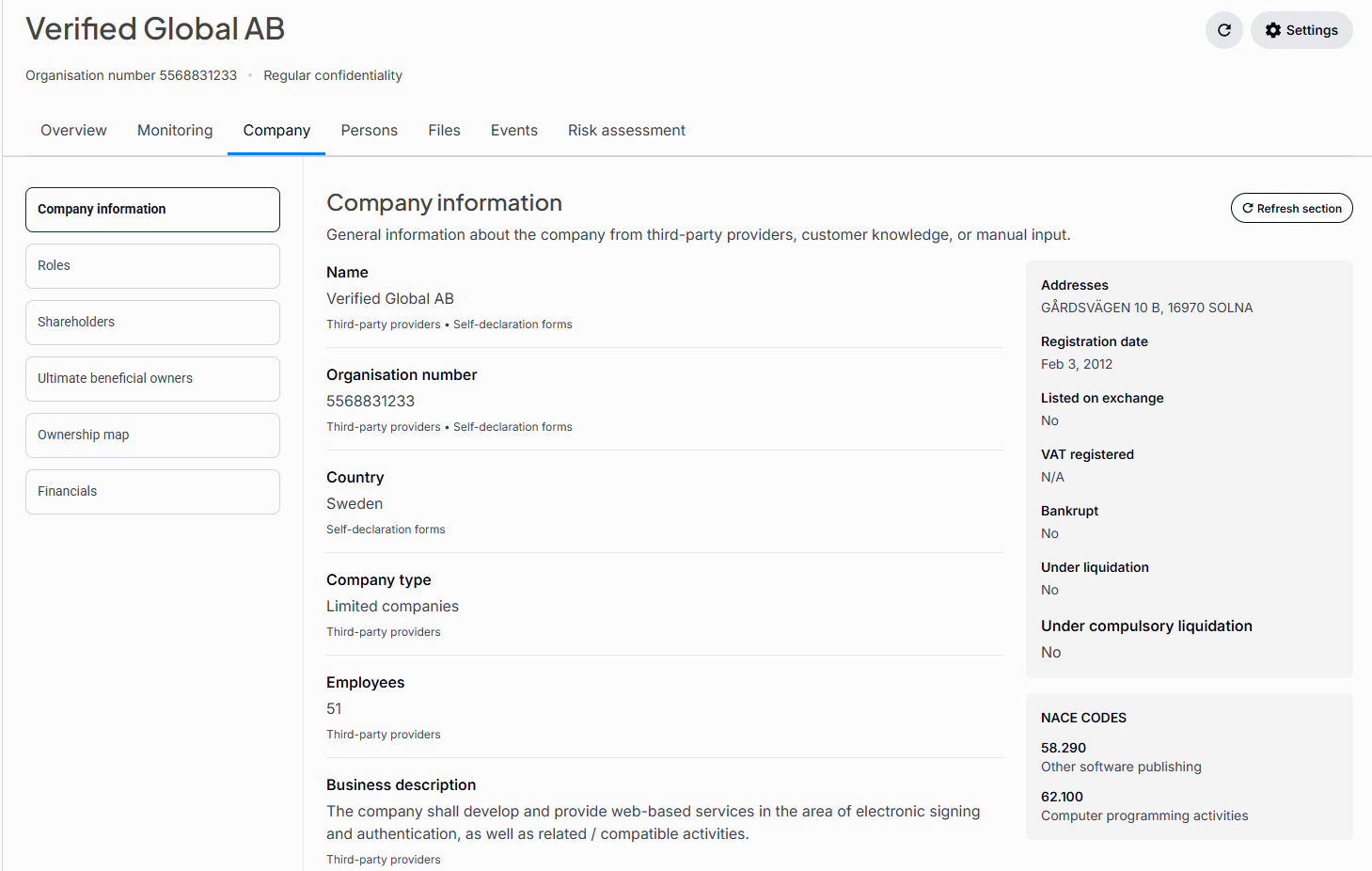
Company
Verified retrieves company information for Sweden, Norway, Finland and Denmark. For customers outside these countries you will need to manually fill in the information in the KYC form.
Persons
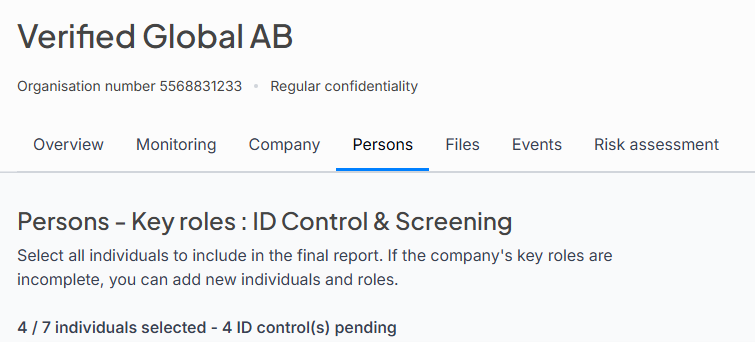
The Persons tab shows persons associated to the company.
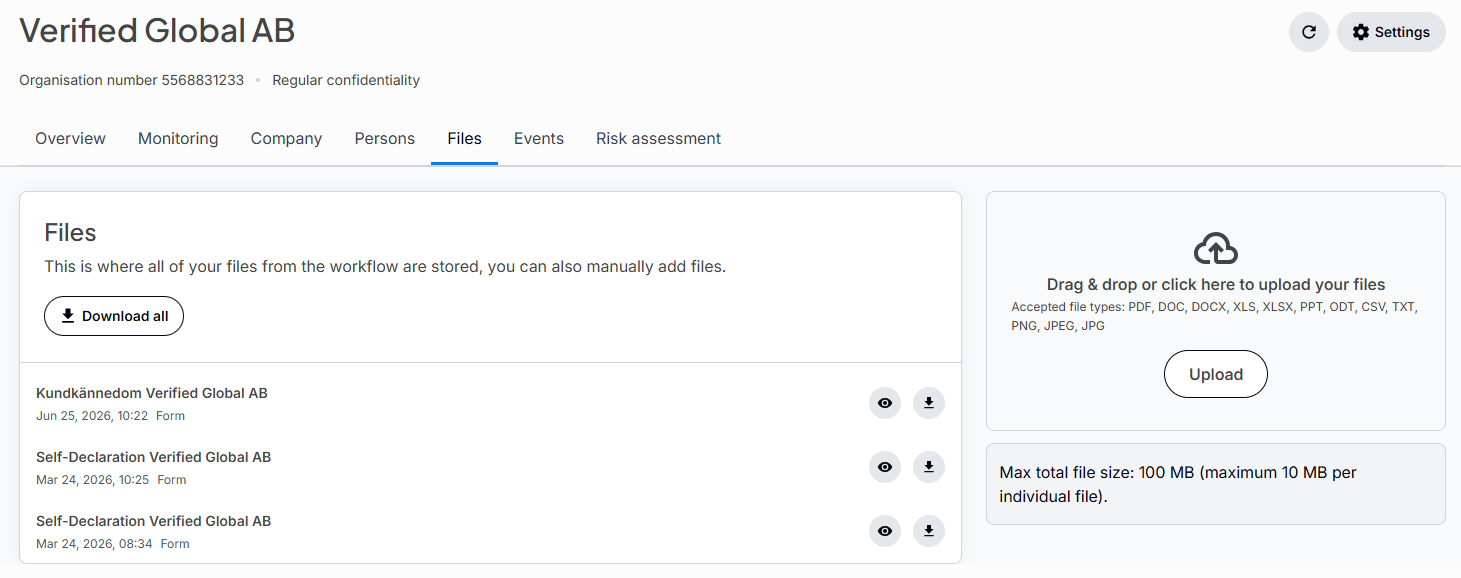
Files
The files tab shows all filesthat has been created or uploaded.
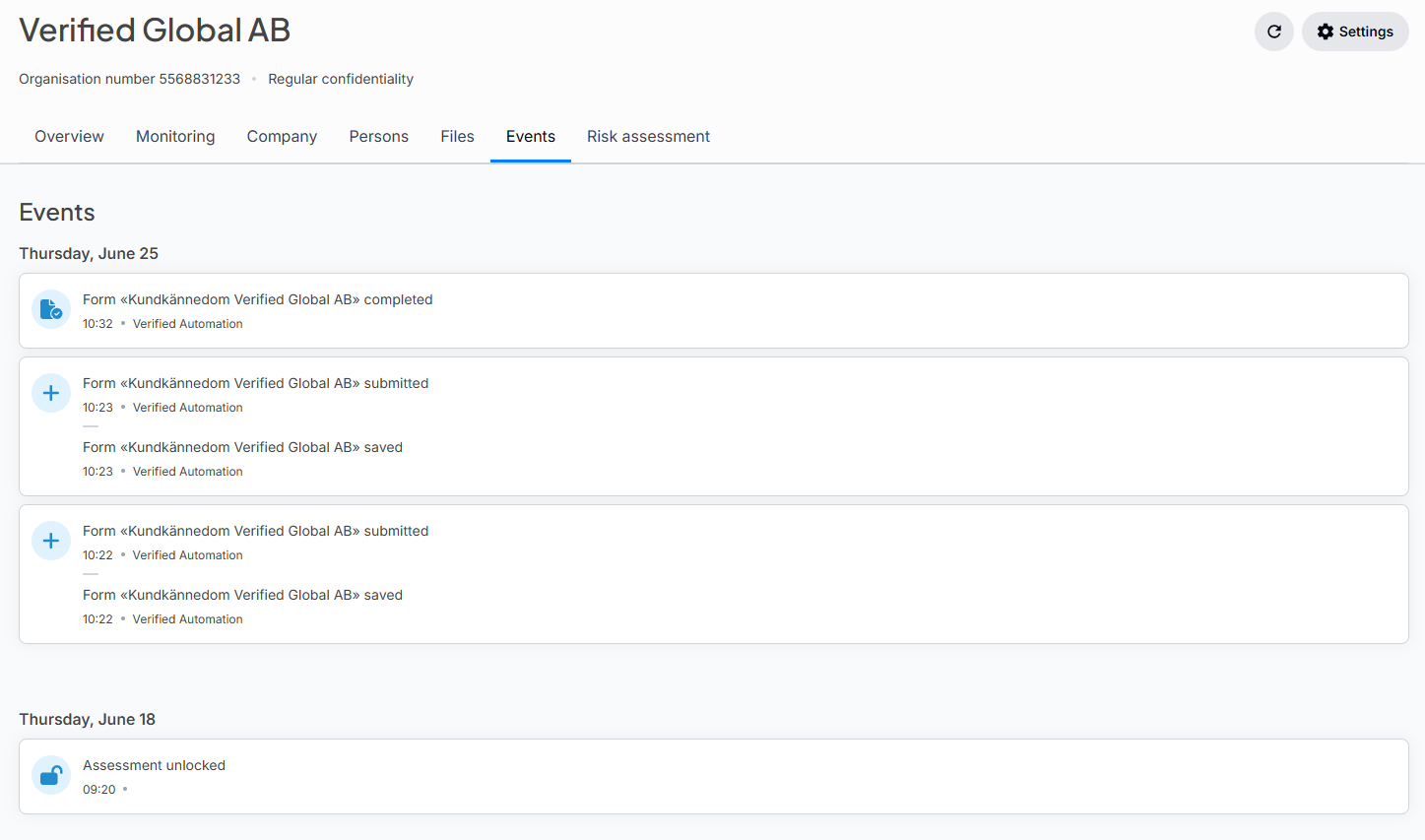
Events
The events tab shows a log of all events.
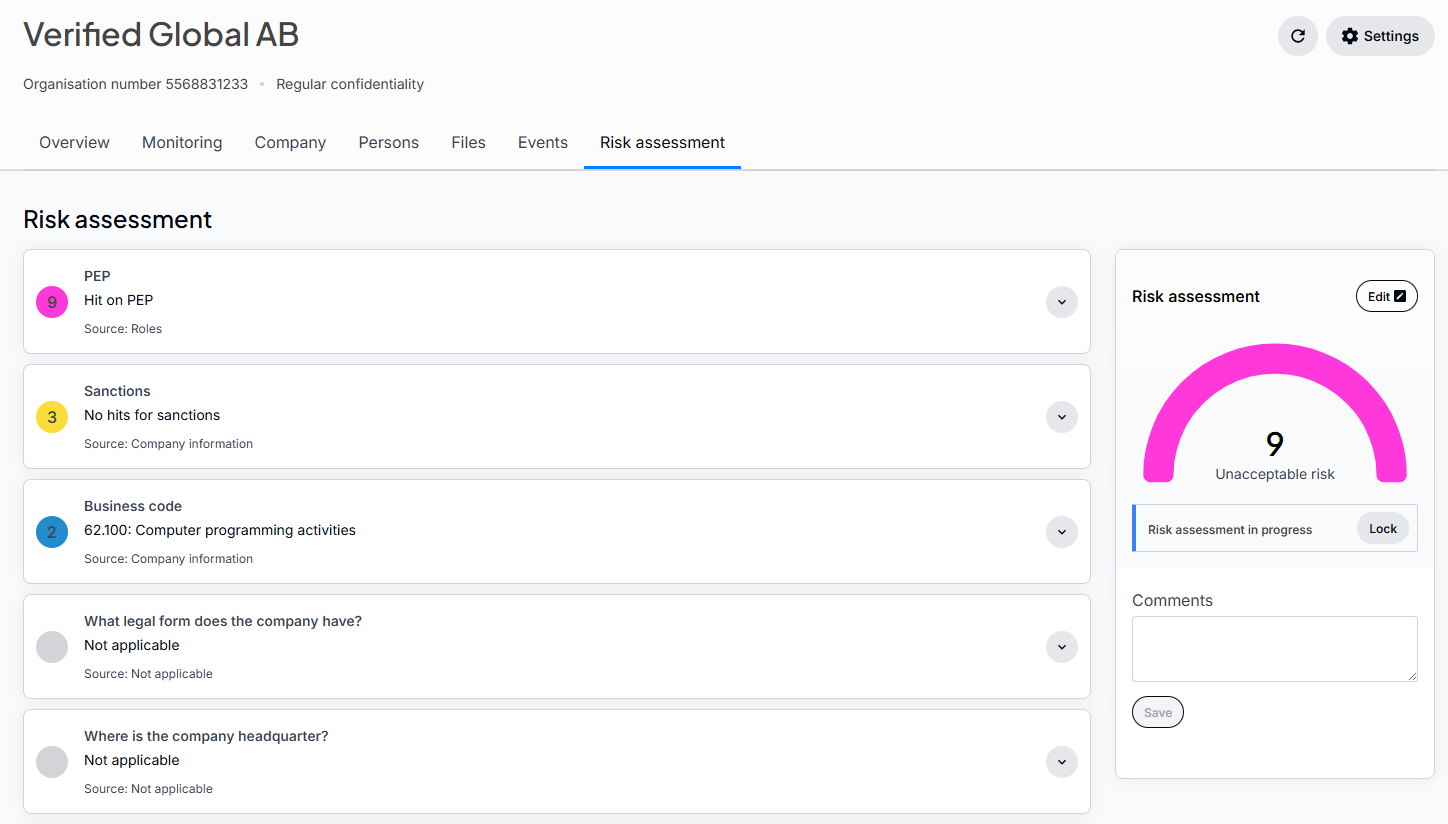
Risk assessment
The tab for the risk assesment shows en overview of the risk matrix.
This can be a mix of values taken from the KYC form, the company information, the screening and manually added questions.