.png)
How to annually resend a KYC on an existing customer in the AML Portal
When you need to perform an annual KYC review for an existing customer, you can easily send them a new form prefilled with their latest information. Follow these steps to generate and send the prefilled form:
Step-by-step guide:
Navigate to the Overview section for the project you want to resend. Look where the current status says "Assessment sealed" right below the Risk information arch.
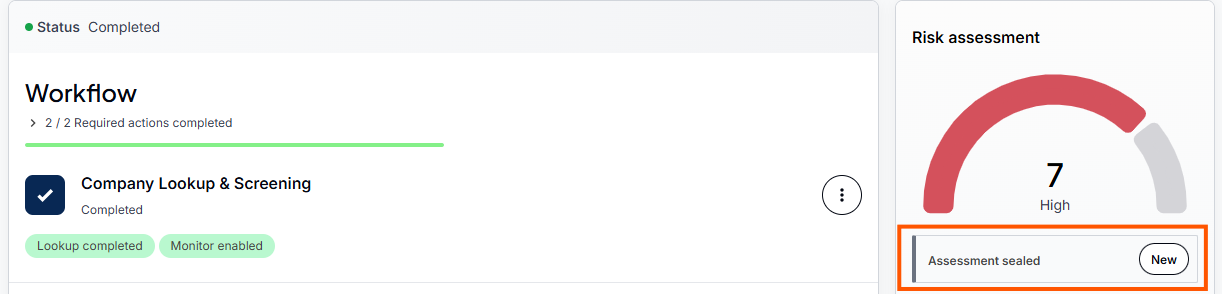
Click the New button on the right-hand side.
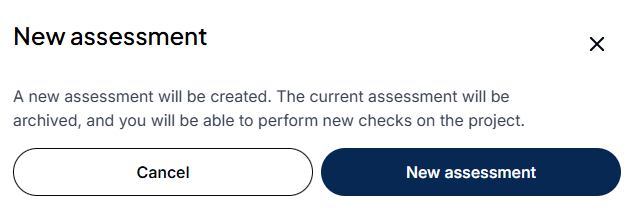
A pop-up will appear stating that a new assessment will be created. Confirm by clicking the New Assessment button.
In your workflow, locate the Self-Declaration form step. Click the three dots (options menu) to the far right of this step.
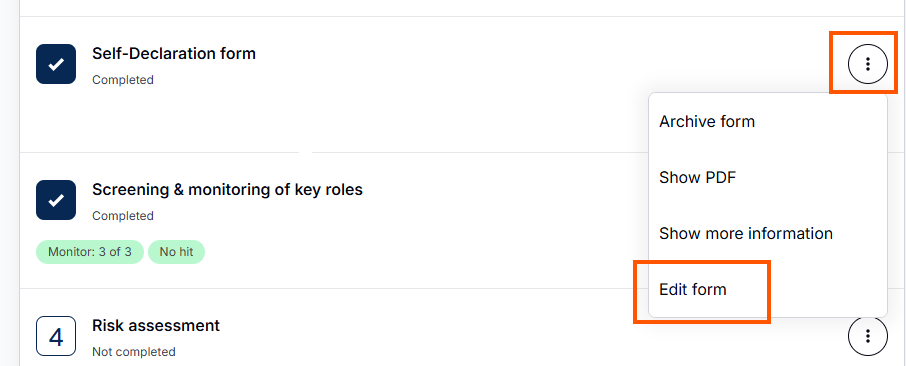
Select Edit form from the menu, and then click Open form.
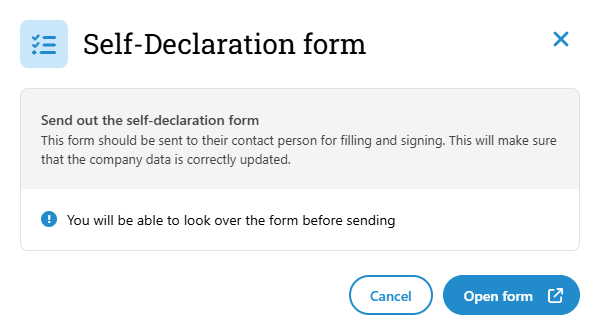
Result:The system will now create a new KYC form, automatically prefilled with the data provided from the customer's most recent KYC. You are now ready to send this form to your customer for their annual review!