.png)
How to Report Envelope Problems to Verified Support
When reporting an issue with a document, the single most important piece of information our support team needs is the Envelope ID. Every envelope gets a unique cryptographic identifier once published. Providing this ID allows us to look up server logs instantly and resolve your issue much faster.
Where to Find the Envelope ID
You can easily locate the Envelope ID in two different places:
1. Inside Your Verified Workspace (Dashboard or Archive)
Log into the Verified platform and open your Dashboard or Archive.
Locate the specific transaction you are experiencing issues with.
Click on the entry to expand the envelope details. The unique, multi-digit ID string will be displayed within the tracking metadata interface.
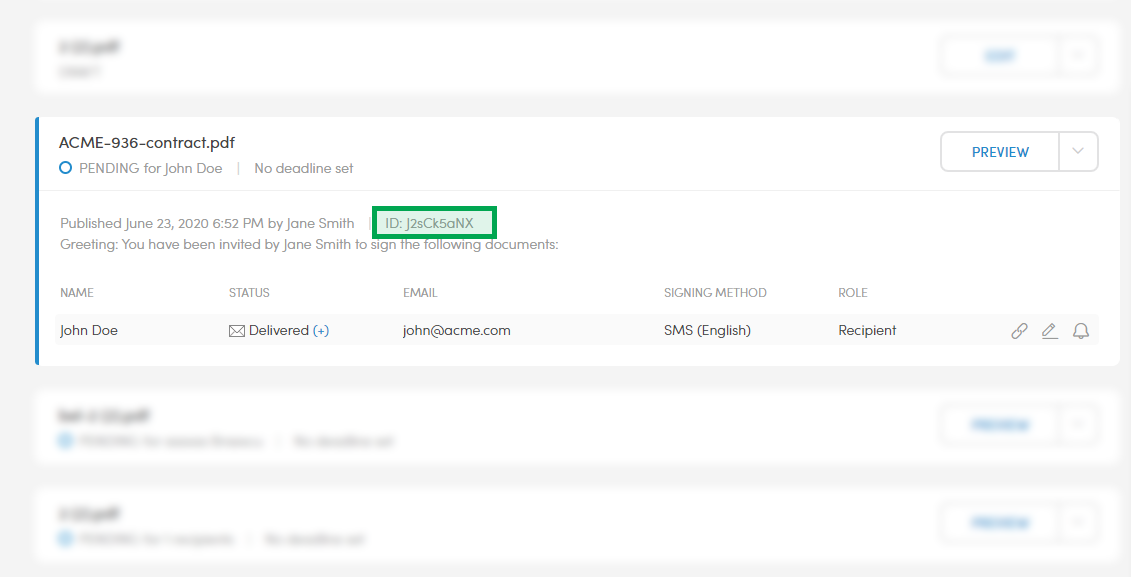
2. In the Email Footer
If you have received any automated notification emails regarding this transaction (such as a confirmation of delivery or a signature receipt), scroll to the very bottom. The Envelope ID is automatically stamped directly into the email footer for easy reference.
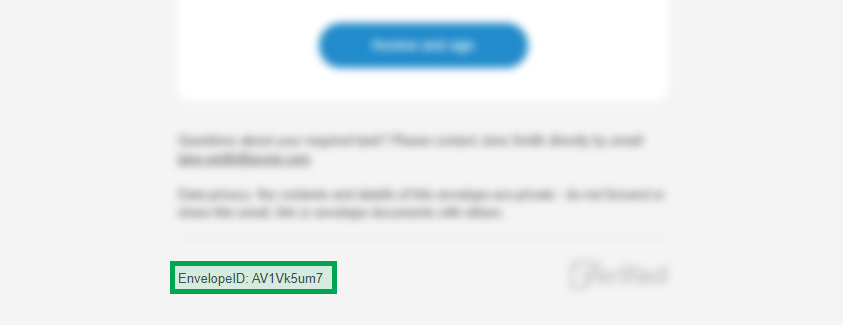
🔍 Can't Find the Envelope? Try This First
If the document was sent a long time ago and isn't immediately visible on your primary feed, you don't have to scroll through months of history:
Use the Archive Search: Go to your platform Archive and type the recipient's legal name or email address directly into the search bar.
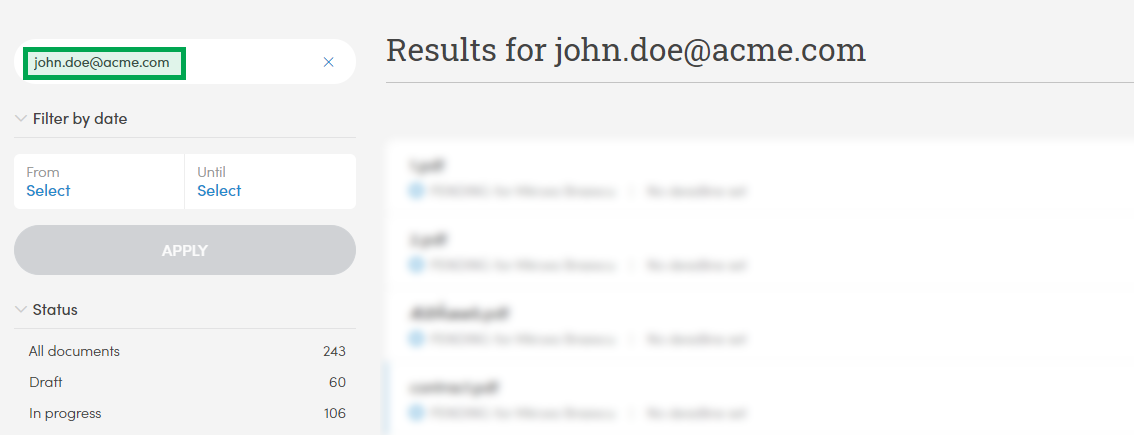
Search Your Mail Client: Search your corporate inbox using the recipient's contact information to track down the original notification emails, which will contain the ID in the footer.
✉️ Next Step: Contact Support
Once you have copied the Envelope ID, you have everything you need. Open a ticket or email our support desk, paste the Envelope ID, and provide a brief description of the unexpected behavior you are seeing. Our technical team will take it from there!